Scheduled IT Operations
From governance to execution. Schedule and track recurring IT tasks like patching, backups, security audits, and compliance checks. Make sure nothing falls through the cracks, and have the records to prove it when auditors come knocking.

Key capabilities
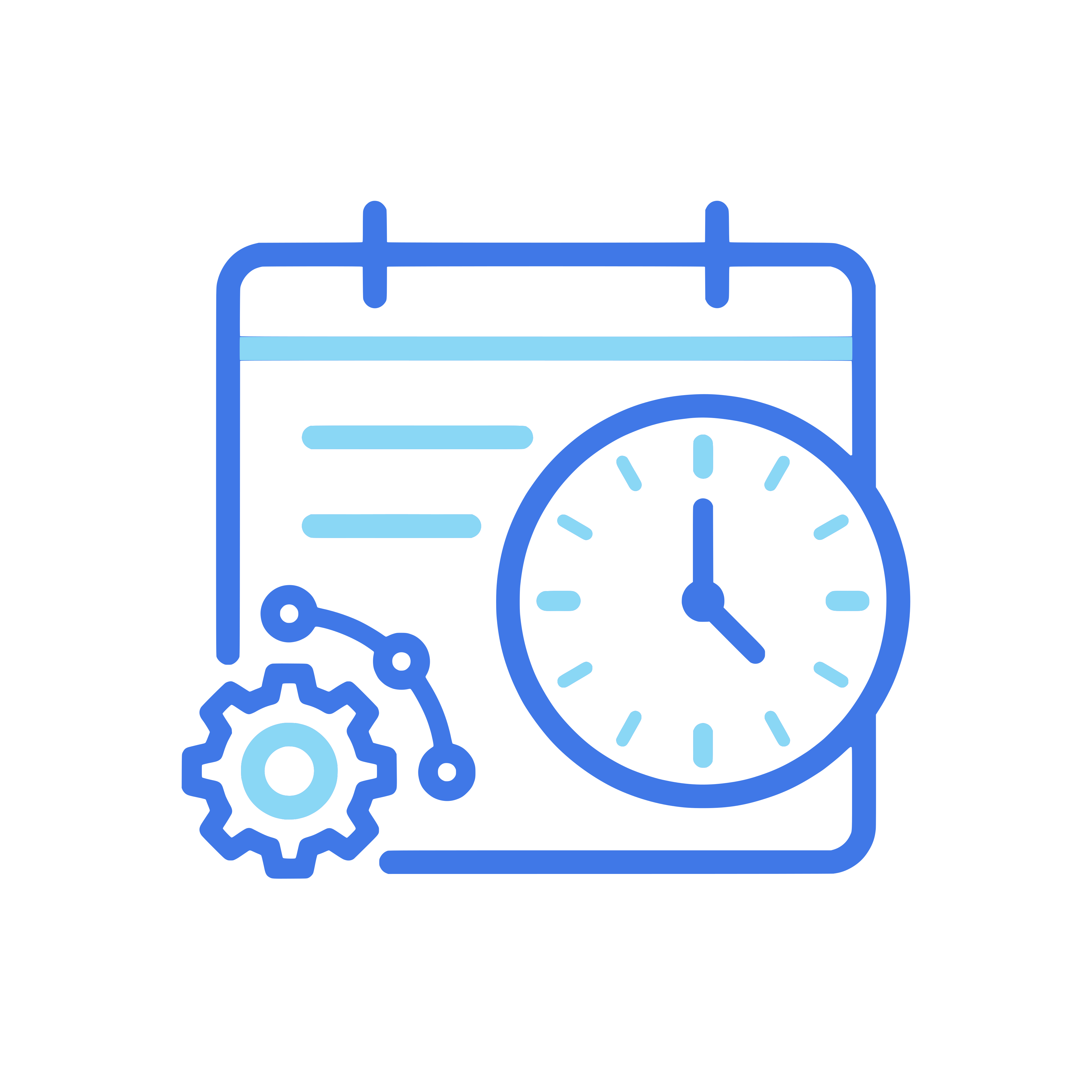
Operations Calendar
See all scheduled IT tasks in a calendar view. Patching windows, backup schedules, security scans, license renewals. Everything your team needs to do, when they need to do it.

Recurring Task Schedules
Set up tasks that repeat daily, weekly, monthly, or on custom intervals. The system creates new task instances automatically and assigns them to the right people.
Execution Tracking
Every scheduled task has a clear status: pending, in progress, completed, or overdue. Assignees update their progress, attach evidence, and mark tasks as done.

Compliance and Audit Readiness
Link scheduled operations to compliance controls and governance frameworks. When auditors ask if you run monthly access reviews, you have the records to prove it.

Assignments and Accountability
Assign tasks to individuals or teams. Everyone knows what they are responsible for. Managers see workload distribution and can rebalance when needed.

Reporting and Dashboards
Track completion rates, overdue tasks, and team performance over time. Spot patterns early. If the same task keeps getting delayed, you will know before it becomes a problem.
Scheduled Operations turns governance and ticket workflows into recurring, trackable tasks.


See Scheduled Operations in action
Book a demo and we will show you how to plan and track recurring IT operations inside Microsoft Teams.
Request a demo