IT Project Management App for Microsoft 365
Bridge IT project management into your ITSM data. Tag services to projects, connect tasks to change requests, and keep project work visible alongside daily operations. All inside Microsoft Teams.

Key capabilities
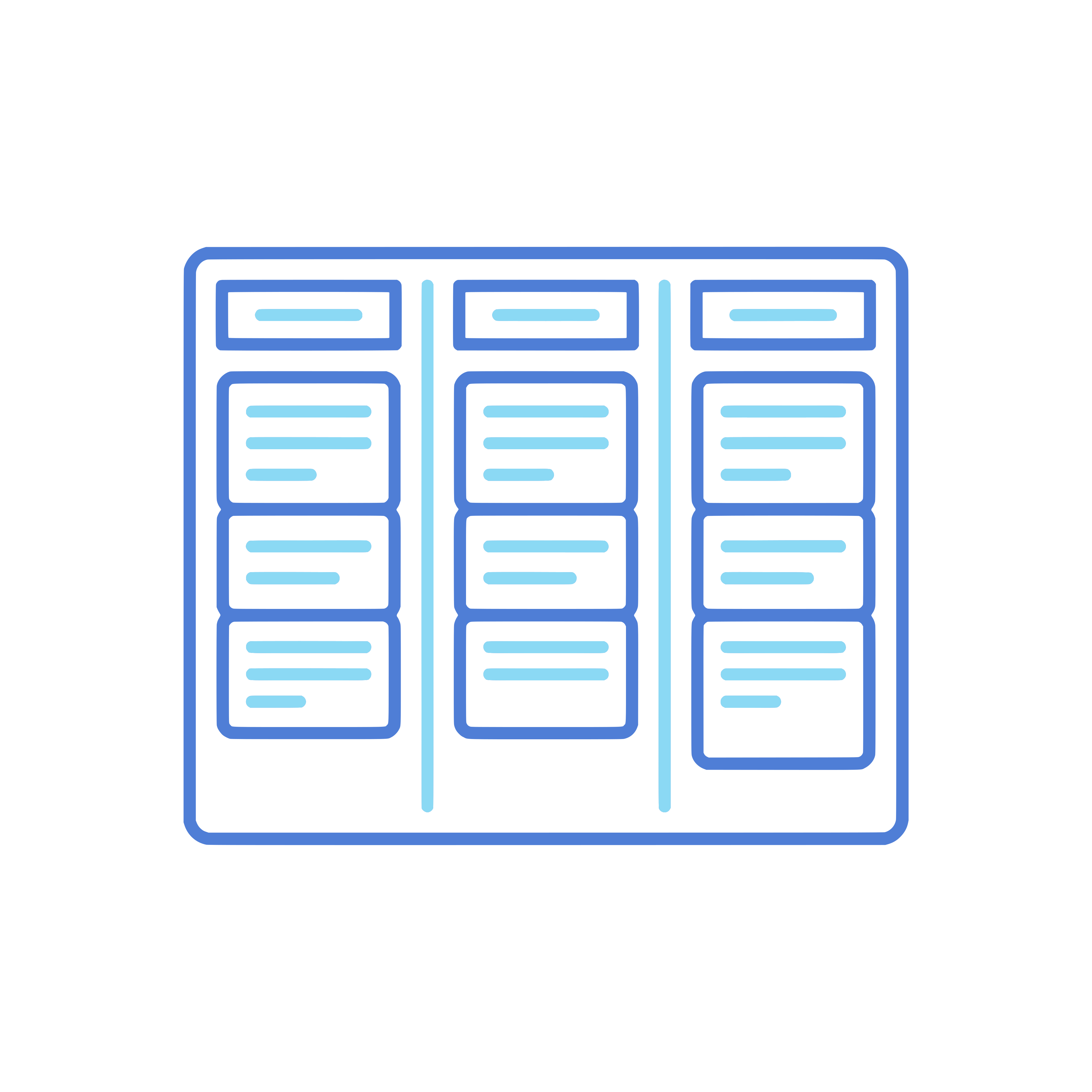
Project Planning
Create projects, define milestones, and break work into tasks. Use Kanban boards or list views to manage project progress in Teams.

Service Tagging
Tag IT services and configuration items to your projects. When a project changes a service, that relationship is visible to your operations team too.

ITSM Integration
Link project tasks to change requests, incidents, or problems. Your project work and daily operations stay connected instead of living in separate tools.

Resource Management
See who is working on what. Allocate team members to projects and track their workload alongside their operational responsibilities.
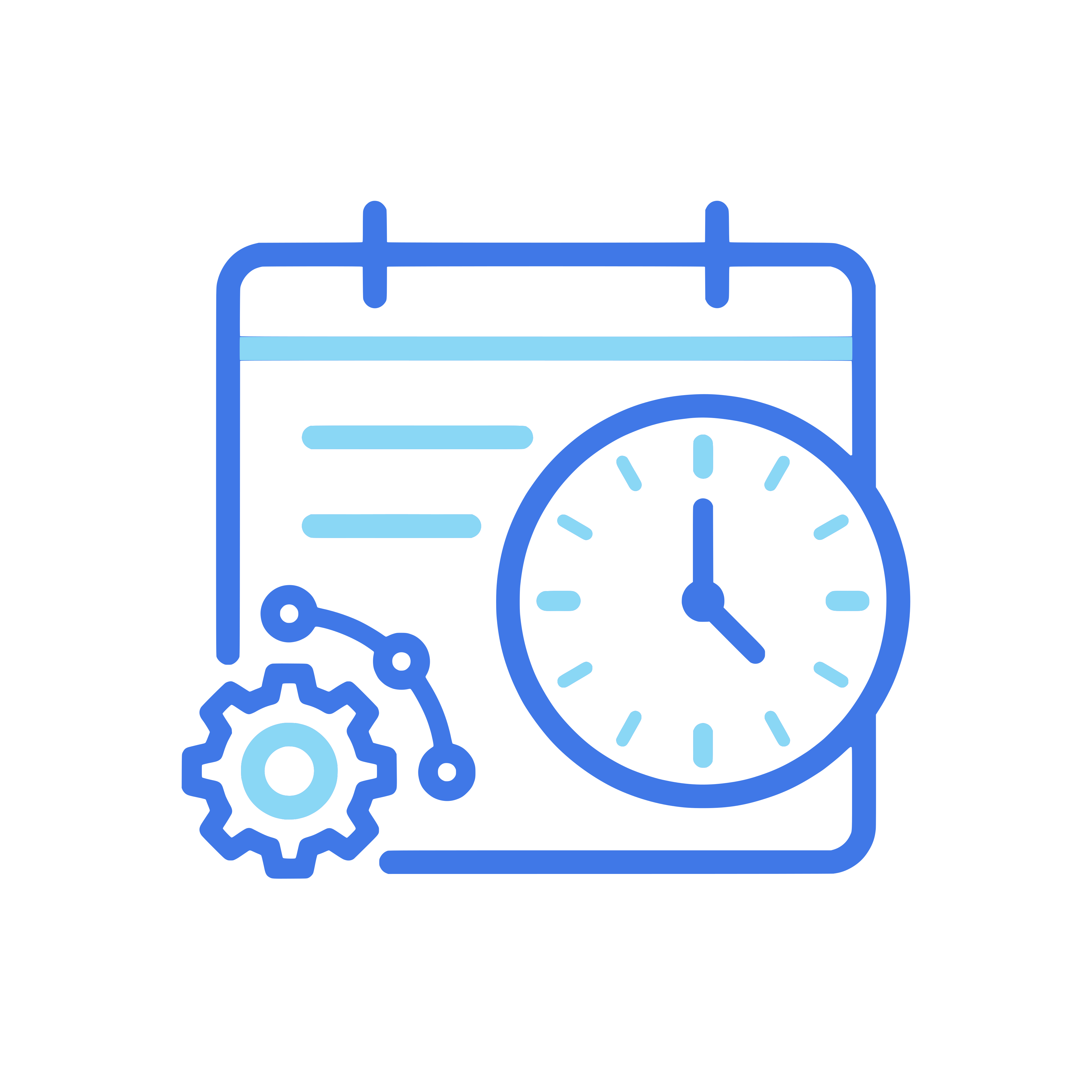
Timeline and Milestones
Set milestones, define deadlines, and track whether your project is on schedule. Visual timelines give you a clear overview of progress.

Project Reporting
Track project health with dashboards that show progress, budget, risks, and blockers. Share reports with stakeholders directly from Teams.
Keep IT projects connected to day-to-day ITSM data instead of running in a silo.


See IT Project Management in action
Book a demo and we will show you how project management connects to your ITSM data in Microsoft 365.
Request a demo